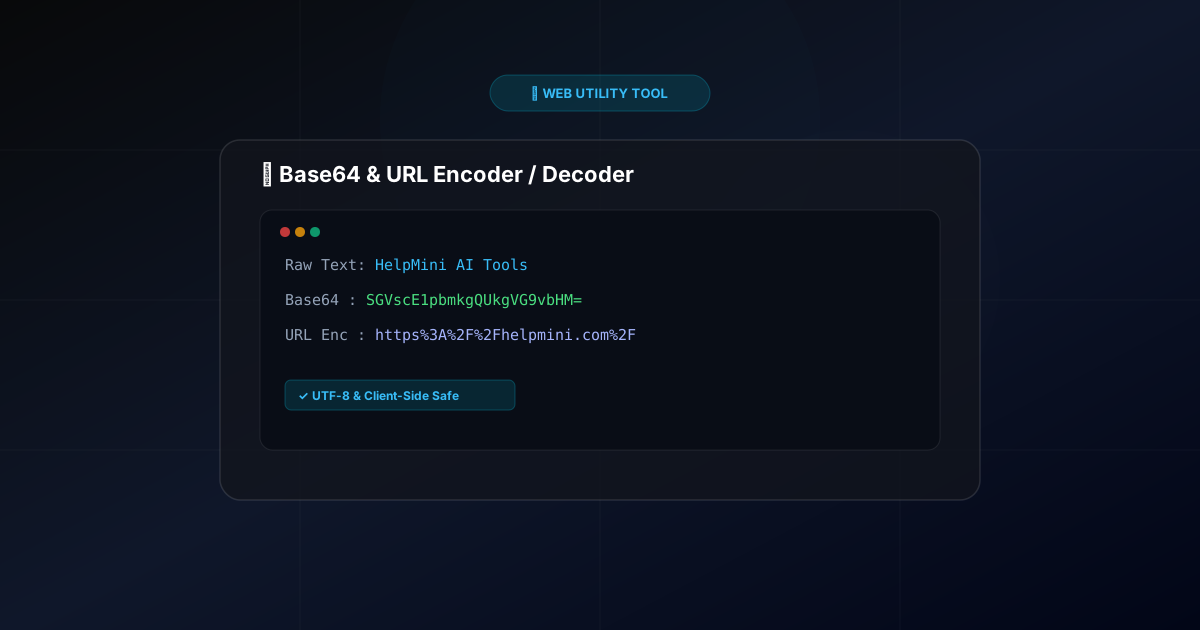
Demystifying Base64 & URL Encoding: How They Work (Free Private Encoder Tool)
When developing web applications, configuring API endpoints, or building marketing tracking URLs, you often encounter two distinct string formats:
- A text string ending with
=signs:SGVscE1pbmkgQUkgVG9vbHM= - A URL filled with
%symbols:https%3A%2F%2Fhelpmini.com%2F
These are Base64 Encoding and URL Encoding (Percent-Encoding).
What is Base64 Encoding?
Base64 is a binary-to-text encoding scheme that represents binary data using a set of 64 printable ASCII characters (A-Z, a-z, 0-9, +, /).
Primary Use Cases:
- Data URIs for Web Optimization: Embedding small icons directly into CSS files as Base64 strings eliminates round-trip HTTP requests.
- Basic Authentication: Combining API keys or username/password pairs into a single string for HTTP Authorization headers.
⚠️ Important: Base64 is an encoding scheme, NOT encryption. Anyone can decode a Base64 string back to its original raw form instantly.
What is URL Encoding (Percent-Encoding)?
URLs are restricted to a safe set of unreserved ASCII characters (alphanumeric characters and a few symbols).
When query parameters contain spaces, non-ASCII characters (like Chinese or accented letters), or reserved syntax symbols (?, =, &), browsers convert them into % followed by two hexadecimal digits to avoid ambiguity.
Common Encoded Values:
- Space →
%20or+ - Slash
/→%2F - Question Mark
?→%3F
🔒 100% Client-Side Private Converter
To help developers and marketers quickly encode or decode strings without exposing sensitive credentials or private tokens to third-party server backend logs, we created a lightweight tool:
👉 Try the Free Base64 & URL Encoder / Decoder
Key Features:
- 100% Client-Side Privacy: All processing runs locally in your browser. Zero data touches any external server.
- UTF-8 Unicode Support: Correctly handles multi-byte characters and special symbols without throwing JavaScript character errors.
- Instant Toggle: Switch between Base64 mode and URL parameter mode with one click.
Summary
Understanding encoding standards and bookmarking the HelpMini Base64 & URL Tool will save you countless minutes when debugging APIs or crafting marketing tracking URLs.