Boost Web Performance: What is Image Base64 Encoding and When Should You Use It?
When optimizing web apps, e-commerce storefronts, or blogs, First Contentful Paint (FCP) and Largest Contentful Paint (LCP) directly influence SEO rankings and conversion rates.
If you inspect a page’s Network tab in browser DevTools, you’ll often see dozens of individual requests for tiny icons, badges, or background graphics—each weighing just a few kilobytes. The overhead of DNS lookups, TCP handshakes, and HTTP headers for these tiny files often takes significantly longer than downloading the image data itself.
To solve this overhead, web developers use Image to Base64 (DataURI) encoding.
❓ What is Base64 / DataURI Encoding?
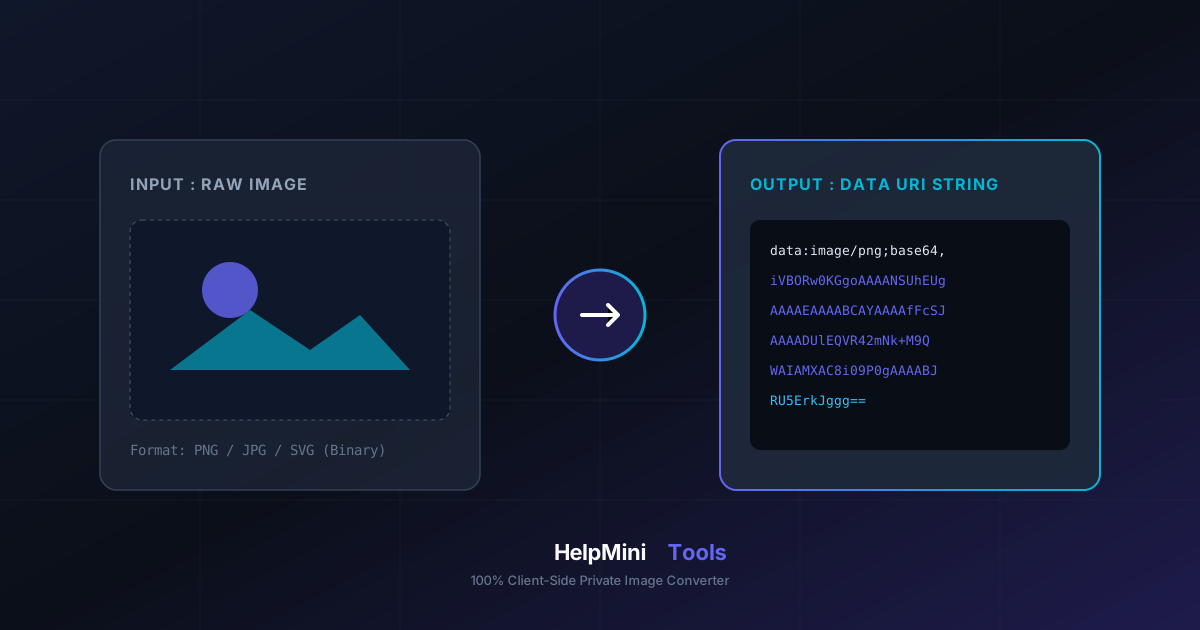
Base64 is a binary-to-text encoding scheme that converts raw image data (PNG, JPG, WEBP, or SVG) into an ASCII string representation.
By prepending the data:image/png;base64, schema, modern web browsers can parse and render the image directly from source code without making a separate HTTP server request.
Common Implementation Examples:
- Inlined in HTML:
<img src="data:image/png;base64,iVBORw0KGgoAAAANSUhEUgAA..." alt="Logo" /> - Used inside CSS:
.icon-button {
  background-image: url("data:image/svg+xml;base64,PHN2Zy...");
}
⚖️ When to Use (and Avoid) Base64 Images
While embedding images reduces network roundtrips, Base64 is not a one-size-fits-all solution. Understanding its tradeoffs is key to effective performance optimization:
Best Use Cases:
- Tiny Icons & UI Assets (< 10 KB): Critical above-the-fold icons (e.g., search icons, cart badges) embedded directly in CSS or HTML render instantly without layout shift or flickering.
- Single-File Web Applications & Email Templates: Environments where external asset hosting is restricted or unavailable.
- SVG & Micro Vectors: Embedding tiny SVG icons as DataURIs in CSS files.
When to Avoid It:
- Large Images or Photos (> 50 KB): Base64 encoding increases file size by approximately 33%. Inlining large photos will bloat HTML/CSS files, ultimately slowing down initial document parsing.
- Dynamic / Cacheable Media: Inlined Base64 images cannot be cached independently from the HTML document.
🛡️ Why Use HelpMini Image to Base64 Converter?
Many online file conversion utilities upload your images to remote servers for processing, posing privacy risks and slowing down workflow.
The HelpMini Image to Base64 & DataURI Tool is engineered for speed and security:
- 100% Client-Side Privacy: Powered by local HTML5
FileReaderAPIs, image conversion happens entirely inside your browser. Zero bytes are uploaded to remote servers. - Instant Multi-Format Code Generation: Get DataURIs, raw Base64 strings, HTML
<img>markup, or CSS background rules with a single click. - Size Difference Analyzer: Displays real-time comparisons between original file sizes and encoded Base64 lengths.
💡 Try it now:
Cut down unnecessary HTTP requests and streamline your asset delivery! Try the HelpMini Image to Base64 & DataURI Tool today.